
Key Takeaways
-
Sign the back instantly
-
Add “For Mobile Deposit Only”
-
Double-check your bank’s name
-
Snap photos in bright light
-
Keep the check for two weeks
Ever found yourself sitting on your couch, staring at a paper check, and wondering if you can deposit it without changing out of your sweatpants? You absolutely can.
Mobile banking is a total lifesaver, but it comes with a few strict rules. If you do not flip that paper over and fill out the back correctly, your bank’s app will reject it faster than a bad habit.
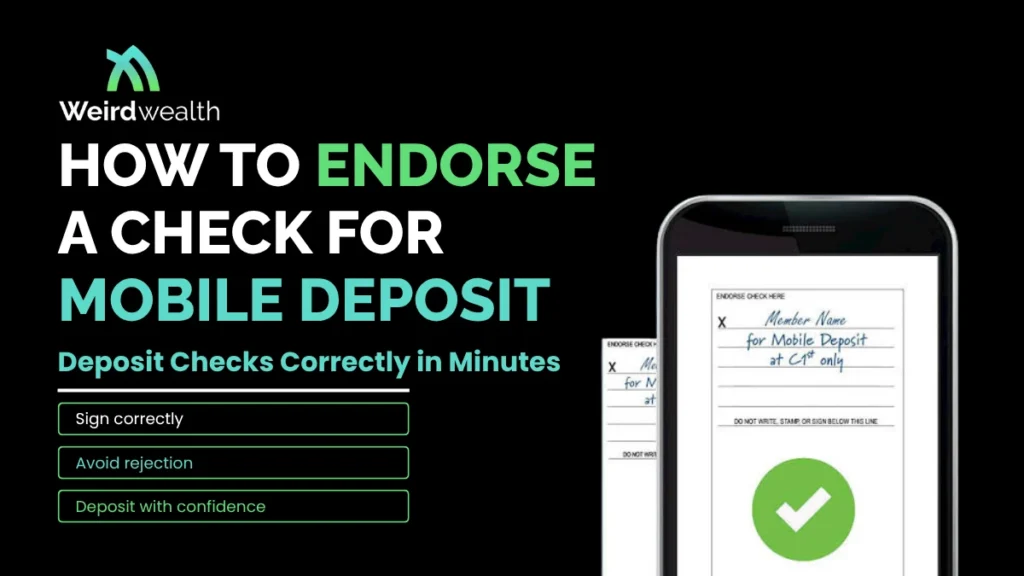
So, how do you do it right the first time? To learn how to endorse a check for mobile deposit, all you need to do is sign your legal name on the back line and write “For Mobile Deposit Only” directly underneath your signature.
Honestly, it is that simple. Doing this ensures your money lands safely in your account instead of getting stuck in banking limbo. Let us dive into the quick steps so you can get paid without leaving your living room.
AI Overview
Want to know how to endorse a check for mobile deposit without any hassle? Turn the check over to the blank side with the endorsement lines. Sign your name exactly as it appears on the front. Right below your signature, write for mobile deposit on check alongside your bank’s specific name. This simple step satisfies federal regulations and protects your money from fraud.
Why Getting Your Mobile Endorsement Right Matters
We have all been there. You scan a check through your phone, expect a quick balance bump, and get an error message instead.
Banks have extremely strict filters for digital deposits because they cannot physically hold the paper. They need absolute proof that you are the one cashing it.
When you endorse check mobile deposit correctly, you are essentially giving the bank a green light. It proves the check belongs to you and is not being deposited twice.
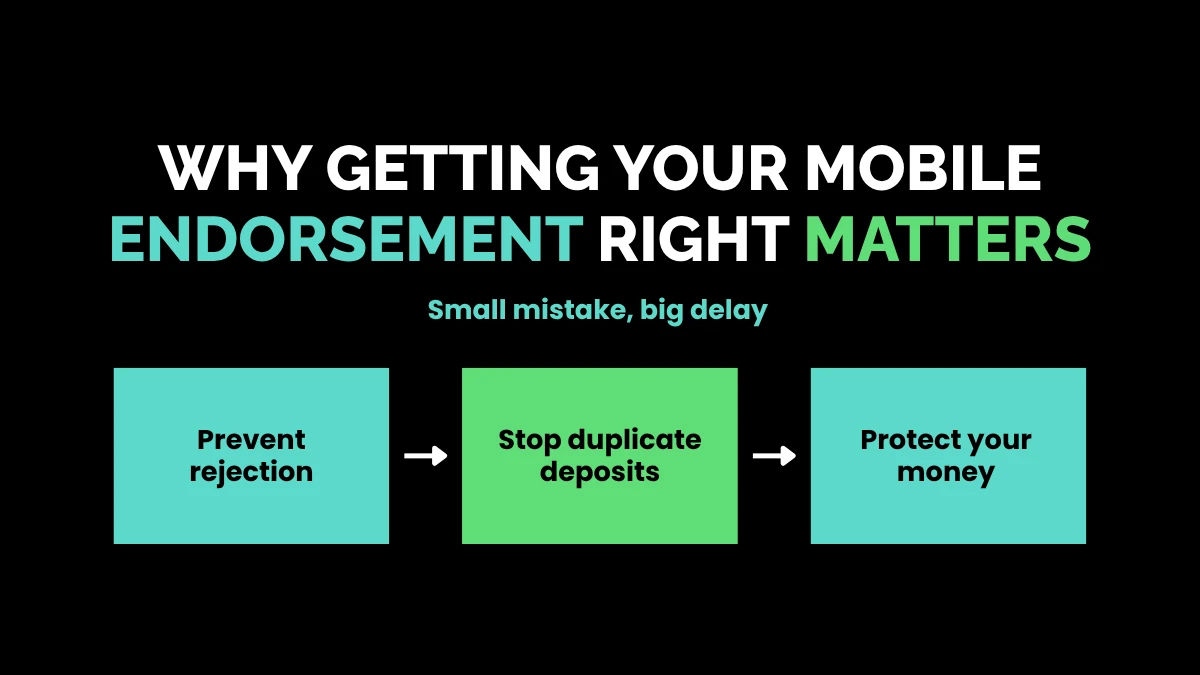
Here at Weird Wealth, we love finding ways to make money easier, and avoiding bank rejections is a great place to start. A tiny mistake can delay your funds for days.
Federal regulations, specifically Regulation CC, require these explicit markings to prevent fraud. If someone steals your paper check later, they cannot cash it at a physical grocery store or ATM because you already labeled it for mobile use.
The Essential Mobile Check Deposit Endorsement Requirements
Every financial institution has its own minor quirks, but the standard mobile check deposit endorsement requirements are generally uniform across the banking industry.
Before you grab a pen, make sure it has dark blue or black ink. Pencil or light gel pens can vanish on camera scans, triggering instant rejections.
| Requirement | What to Do | Why It Matters |
| Signature | Sign your legal name clearly. | Proves identity and ownership. |
| Restrictive Phrase | Write “For Mobile Deposit Only”. | Prevents double-depositing scams. |
| Bank Name | Add the full name of your bank. | Directs the funds to the right app. |
In most cases, skipping the bank’s name might fly under the radar, but adding it guarantees smooth sailing. Many top-tier banks will not approve the funds without it.
Step-by-Step: How to Endorse a Check for Mobile Deposit
Let us walk through the process together. Imagine you are holding a birthday check from your grandma and opening your favorite banking app. Follow these precise steps.
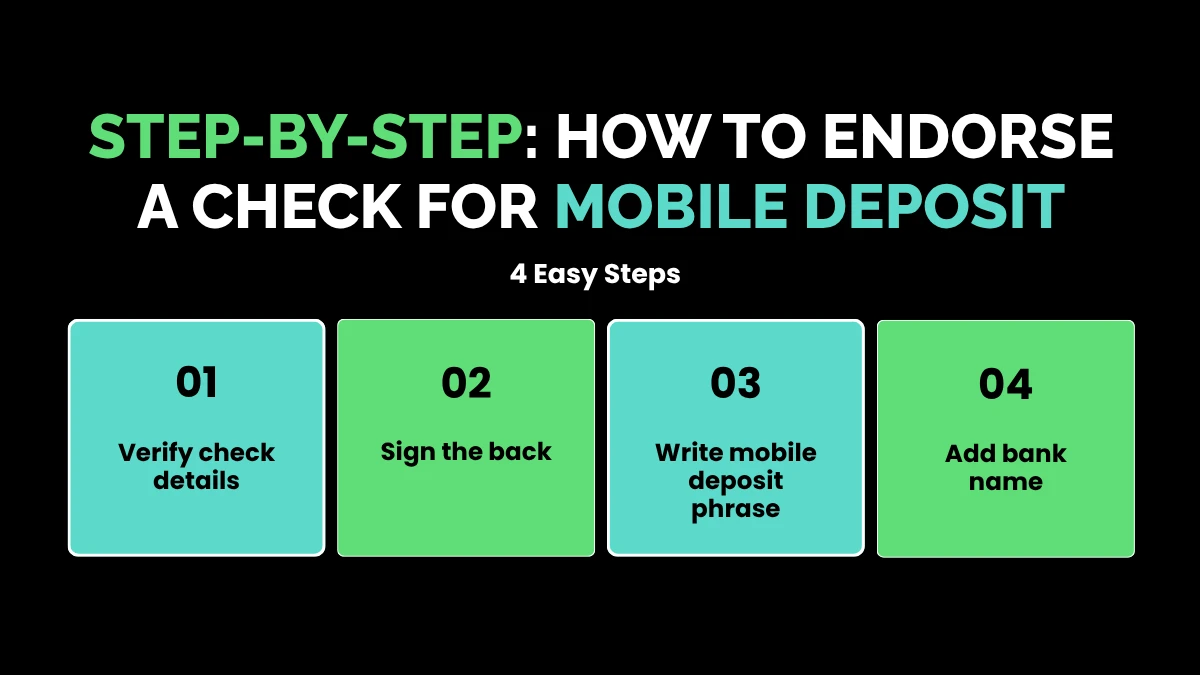
Step 1: Verify the Front First
Before looking at the back, ensure your name on the front matches your bank account name. If your name is misspelled, sign it on the back with the misspelling first, then sign your correct name directly underneath it.
Step 2: Sign in the Proper Zone
Flip the paper vertically. You will see a box at the top that says “Endorse Here” or has a simple gray line. Keep your entire signature inside this designated area, as automated bank scanners usually ignore text written outside the box boundaries.
Step 3: Write the Magic Words
Directly beneath your name, you must write for mobile deposit on check. To be safest, write the complete phrase: “For Mobile Deposit Only.”
Step 4: Include the Financial Institution
Add your specific bank’s name on a third line right below the rest. For instance, write “For Mobile Deposit Only at Weird Wealth Bank” if you use our custom platform.
Avoiding Common Mistakes When You Write for Mobile Deposit on Check
It is incredibly easy to make a small error when you write for mobile deposit on check, especially if you are rushing through your morning routine.
One massive mistake is writing too large. If your handwriting wanders down into the area that says “Do not write, stamp, or sign below this line,” the bank’s digital scanner will likely throw a tantrum and reject the image.
Another frequent pitfall is using pre-printed checkboxes. Some modern checks have a little box that says “Check here if mobile deposit.”
Never assume checking that box is enough on its own. Based on available data, the vast majority of major banks still require a handwritten phrase even if you check that box.
If you happen to mess up and write the wrong bank name, do not try to scribble it out or use white-out correction fluid. Altered checks are flagged as potential fraud immediately. If a mistake happens, it is generally best to contact your bank’s customer support line before trying to upload the photo.
Best Practices to Endorse Check Mobile Deposit Correctly
Want to ensure your digital deposit clears on the very first try? It takes more than just a good signature. The environment where you take the photo matters immensely.
-
Use Contrast: Place your check on a dark, non-reflective surface like a wooden table or a dark mousepad. White checks on white countertops confuse the camera lens.
-
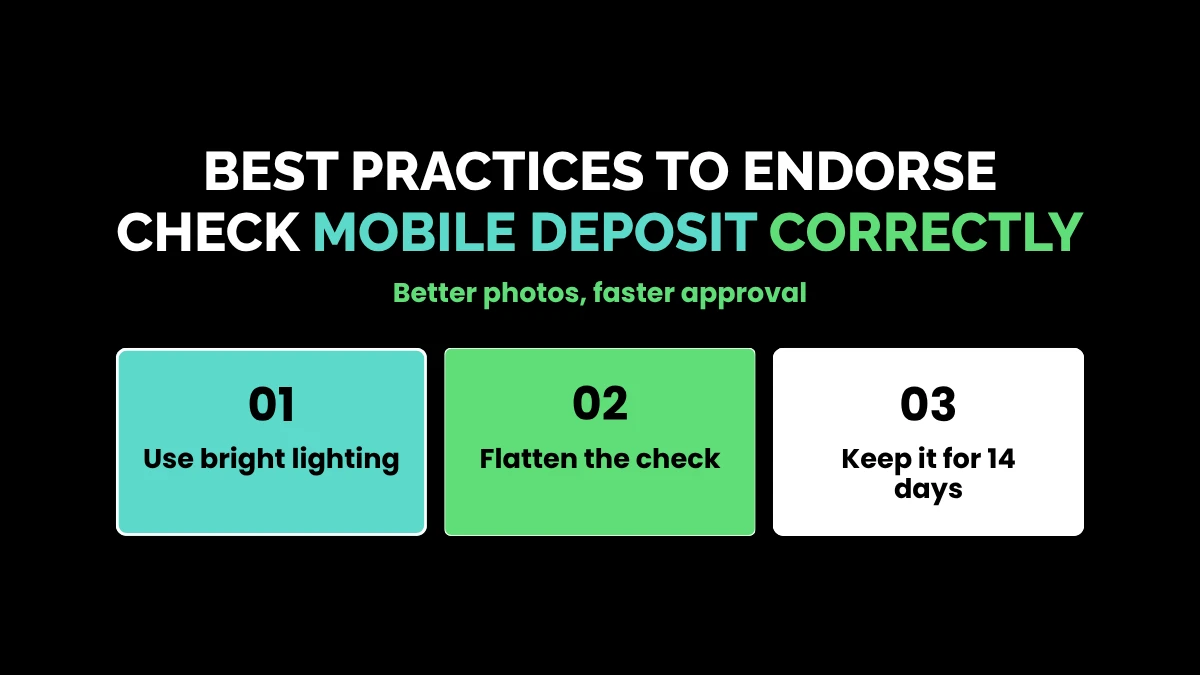
Flatten the Edges: Smooth out any wrinkles or folds in the paper. If the check keeps curling up, gently roll it in the opposite direction to flatten it out completely.
-
Watch the Lighting: Overhead lights can cast harsh shadows of your hands or phone onto the paper. Try to use bright, indirect natural light whenever possible.
-
Keep the Frame Tight: Line up the edges of the check with the guidelines inside your app. Let the camera autofocus before you click the shutter button.
-
Hold On to the Paper: Keep the physical paper check in a secure spot for an estimated 14 days. Once the funds completely clear into your available balance, shred it securely.
By taking these small precautions, you ensure you endorse check mobile deposit correctly while protecting yourself from tech glitches.
Standard vs. Mobile Endorsements: What Changes?
You might wonder why you cannot just sign your name like you do at a drive-up teller window. The landscape changes completely when physical handoffs are removed from the equation.
When you walk into a branch, a human teller verifies your ID card and stamps the paper physically. With an app, a machine algorithm does the initial heavy lifting.
| Feature | In-Branch Deposit | Mobile App Deposit |
| Endorsement Length | Just a signature is fine. | Requires signature and full restrictive text. |
| Risk Category | Low risk (physical fraud is rare). | High risk (digital duplication is easier). |
| Processing Speed | Immediate teller validation. | Algorithmic review followed by clearing delays. |
Because digital images can be uploaded multiple times by accident or malice, the rigid mobile check deposit endorsement requirements act as a digital lock. Once a check is marked for a specific app, its value is locked into the digital banking ecosystem.
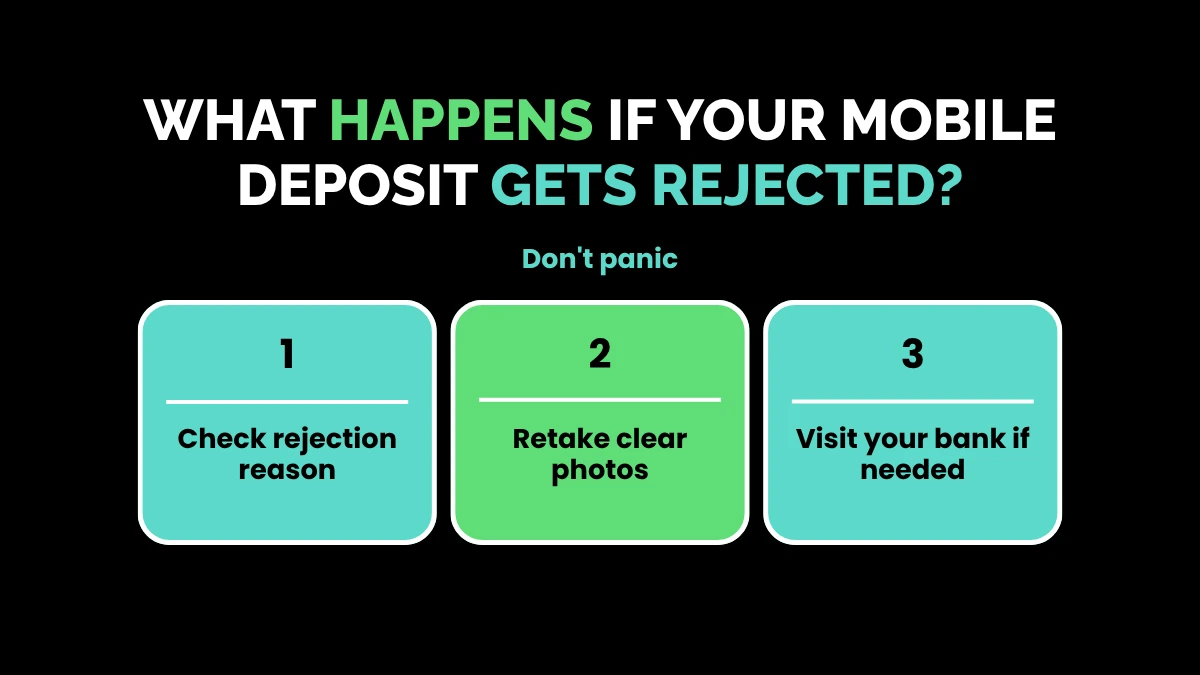
What Happens If Your Mobile Deposit Gets Rejected?
Don’t panic if you get a notification saying your deposit was declined. In most cases, it is a simple formatting fix rather than a permanent loss of funds.
First, read the specific rejection reason inside the app or your email inbox. If it says “missing endorsement,” you simply need to fix your text and try again.
However, if you already wrote the phrase but it didn’t register, the photo might have been blurry or cut off. Try re-snapping the image in better lighting.
If the app completely locks you out of trying again, you can still take that same paper check down to a local physical branch or an authorized ATM. Explain to the teller that the app glitched out, and they will generally handle the transaction manually without any penalties.
Wrapping Up the Process Smoothly
Depositing checks from the comfort of your own home is an incredible convenience. By taking an extra ten seconds to write clearly and follow the rules, you keep your money moving smoothly.
Always remember to sign your name clearly, write out the full restrictive phrase, and include your specific financial institution‘s name. It keeps your security tight and your bank happy.
Next time a paper check comes your way, you will be completely ready to handle it like a pro. Clean handwriting and solid lighting are all it takes to keep your wealth growing safely.
Frequently Asked Questions
Can I use a regular blue pen to endorse my check?
Yes, a regular blue or black ink pen works perfectly. Avoid using pencils, glitter ink, or light gel pens because mobile banking apps struggle to read light text against the patterns on the check.
What if I forget to write “For Mobile Deposit Only”?
If you forget the phrase, your bank will likely reject the deposit within a few hours. You can simply add the handwritten text right under your signature and attempt to upload the photos again.
Can I deposit a check made out to two people via mobile?
Generally, both people must sign the back of the check for a mobile deposit. Both names must also be listed as joint owners on the bank account you are uploading the money into.
How long should I keep the paper check after depositing it?
It is safest to hold onto the paper check for roughly 14 days. Once you verify that the money has fully moved into your available balance, you should destroy the check with a paper shredder.
Can I change my mind and cash the check at a bank later?
If you have already written “For Mobile Deposit Only” on the back, physical tellers will usually refuse to cash it. That restrictive endorsement permanently locks the check into the digital deposit pipeline.