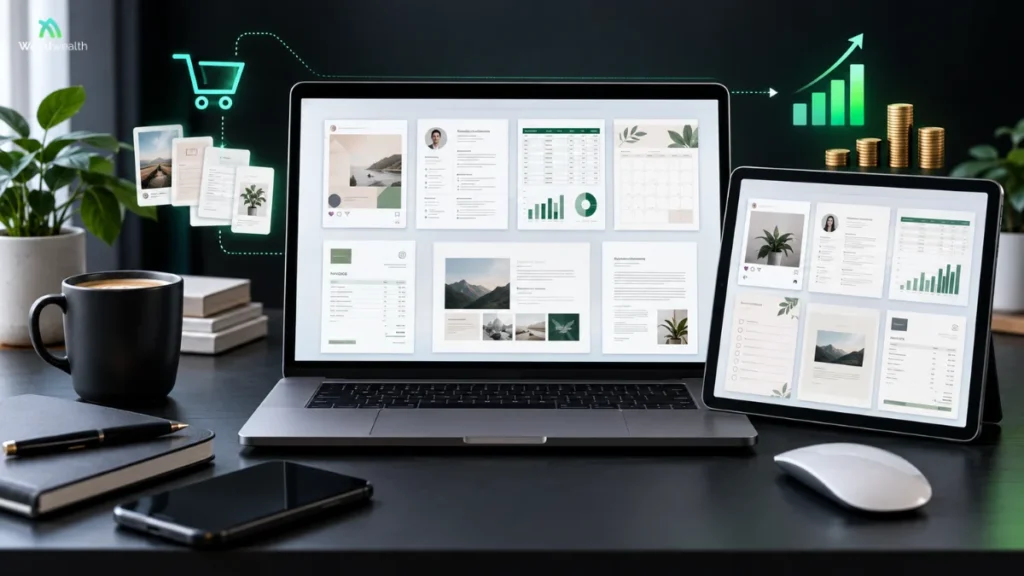
Digital templates are basically ready-made files that save people from staring at a blank page for an hour trying to figure out where to even start. A template could be anything a social media post, a resume, a budget sheet, a planner, a presentation, an invoice, some kind of business document, a worksheet, or even a website layout. The buyer just opens it up, edits what needs changing, drops in their own info, and exports the finished thing.
That simple idea is exactly what makes digital templates such an interesting product to sell. You build the structure once, package it up clearly, and sell access to the file or editable design from there. No physical stock to worry about, no shipping either, but that doesn’t mean every template magically turns into passive income. It still needs an actual purpose, clear instructions, decent design, and at least some marketing behind it to sell.
For Weird Wealth readers, the real opportunity here isn’t selling a pretty file. It’s solving a small, annoying problem in a way that genuinely saves someone time.
Key Takeaways
- At the end of the day, digital templates are just reusable files that help people get things done quicker.
- The ones that actually sell well are usually solving one clear problem for one clear type of buyer not trying to be everything for everyone.
- Business, social media, organization, career, and education tend to be the categories people keep coming back to.
- Don’t skip testing your files, and make sure anyone can follow your instructions without getting confused.
- If you’re using any third-party assets in your design, go check the licensing before you put it up for sale better safe than sorry.
- As for pricing, it really just depends on the value you’re offering, how complex the thing is, who you’re selling to, and what’s happening in the market at the time.
- Honestly, sticking to a focused collection is a lot easier to manage than throwing together a random catalog of unrelated products.
- And one more thing just because it’s digital doesn’t mean it’s hands-off. You’ll still be dealing with support questions, updates, and marketing long after the product is “done.”
What Are Digital Templates?
A digital template is basically a ready-made design or document that someone else has already built for you. Instead of starting from a blank page, you just tweak the parts you actually need.
Take a freelancer, for example they might buy an invoice template, swap in their business name, add their prices, and send it straight to a client. No need to design an invoice from scratch. Or think of a job seeker: they can grab a resume template and just plug in their own education and work history. Even content creators lean on templates something like a content calendar can help them plan out a month’s worth of posts in one sitting.
Templates come in all kinds of formats too PDFs, Word documents, spreadsheets, presentation files, or fully editable design files. Some you download and use right away, while others get set up specifically for you after you place the order. Etsy, for instance, splits its digital listings into two types: instant downloads (ready the moment you buy) and made-to-order downloads (customized after purchase).
Why Do People Buy Templates?
Honestly, the number one reason people buy templates comes down to convenience. Most people already know exactly what they want to make they just don’t want to waste an hour figuring out the layout or how everything should be organized.
A good template solves that blank-page problem for them. It gives the buyer a starting point with a logical structure already built in, so they’re not starting from zero.
There’s also a confidence factor at play. A beginner might genuinely not know how to put together a clean budget, portfolio, media kit, lesson planner, or proposal. A solid template hands them a framework they can actually understand and then make their own.
That said, not every template is actually worth paying for. If it’s something someone could whip up themselves in a few minutes without much effort, it’s tough to justify charging for it. The templates that really sell are the ones that save people a decent chunk of time or take the hard part out of a task they’d otherwise struggle with.
What Types of Digital Templates Can You Sell?
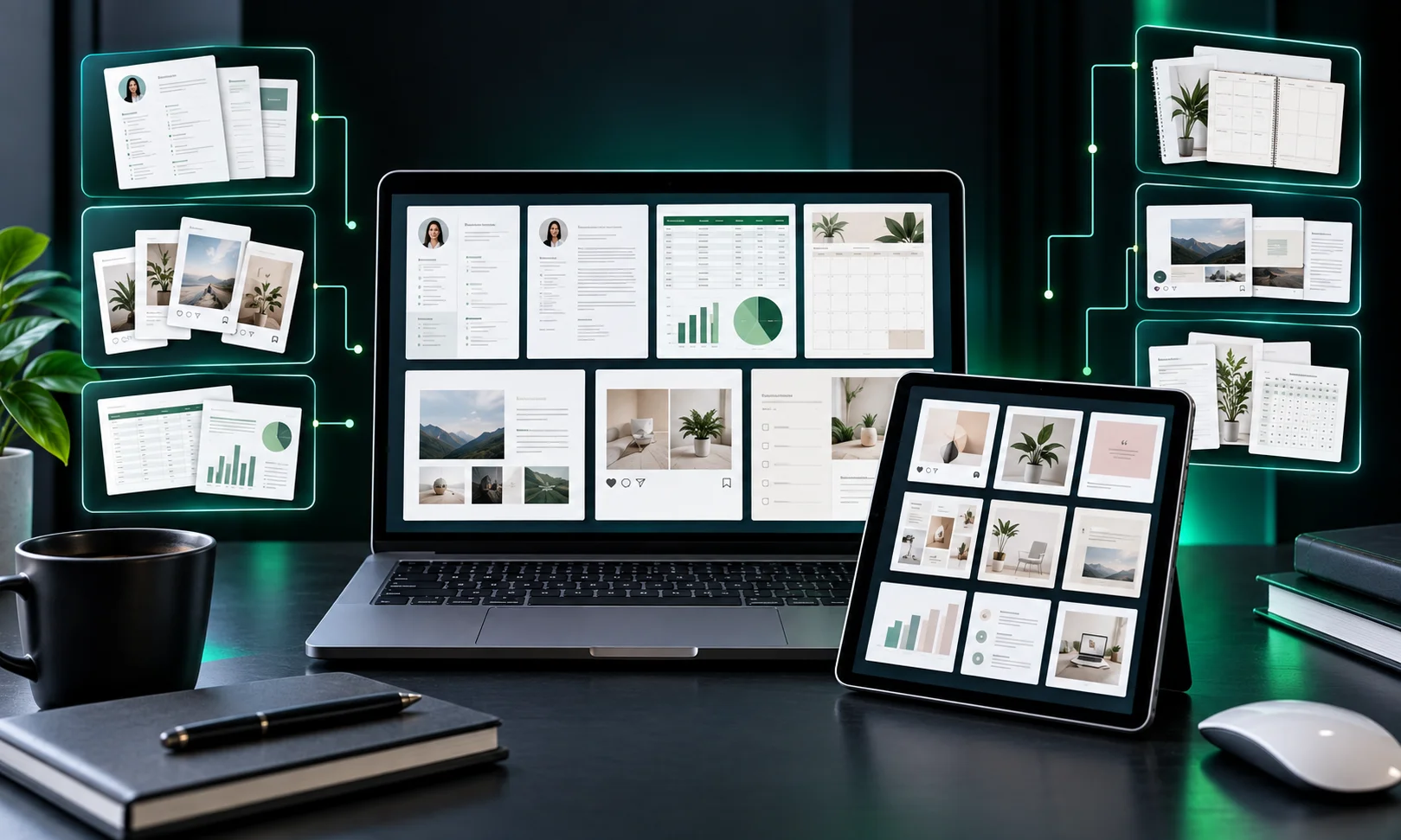
Business Templates
Business owners often need things like invoices, proposals, client onboarding documents, pricing sheets, meeting agendas, project trackers, and content calendars.
A focused product is often easier to understand than a generic bundle. For example, a client onboarding pack for freelance designers has a clearer purpose than a “business templates” bundle.
Career and Education Templates
Students and job seekers can benefit from resume templates, cover letter layouts, study planners, presentation templates, worksheets, and interview preparation sheets.
That said, it’s worth being honest about what a resume template can and can’t do. It can definitely improve how organized and polished your resume looks but it won’t guarantee you an interview or a job offer.
Social Media Templates
Creators and small businesses often need things like posts, stories, carousel layouts, media kits, and promotional graphics. Editable social media templates come in handy here they help people keep their content looking consistent without having to design every single post from scratch.
Personal Organization Templates
Common examples include planners, habit trackers, meal planners, budget sheets, study schedules, and travel planners. These work best when the layout genuinely makes life easier than just using a blank document would.
How Do Digital Templates Work?
The creator chooses a problem and designs a reusable solution. Next, the template is tested so links, fonts, spacing, pages, and editable elements work correctly.
The creator then prepares delivery. That might mean a downloadable file, a link to the template, or step-by-step instructions on how to grab the editable version.
Once everything’s ready, the last step is putting it up for sale either on a marketplace or your own website. If Etsy’s your platform of choice, just know they require digital items to be made and/or designed by the seller, so it’s worth reading through their rules before you upload anything.
And don’t skip testing. It might be a digital product, but if a buyer downloads a broken file or can’t figure out where the template link even is, they’re still going to come to you for help. Save yourself the headache and test everything before it goes live.
Which Tools Can You Use?
Canva’s usually the first pick for visual templates it just makes editing layouts so much simpler. Word works better when you’re dealing with text-heavy documents, and if there’s any kind of calculation involved calculators, trackers, planning tools Google Sheets or Excel are the better bet. For pitch decks or classroom stuff, presentation software is pretty much the standard choice.
Licensing also matters. Canva says its content can be used in Canva designs for many personal and commercial uses, but it restricts redistributing or taking credit for its content. Canva also explains restrictions around using Pro content in templates.
Before selling a template, check the current license for every asset you use.
How Can You Make a Template People Actually Want?
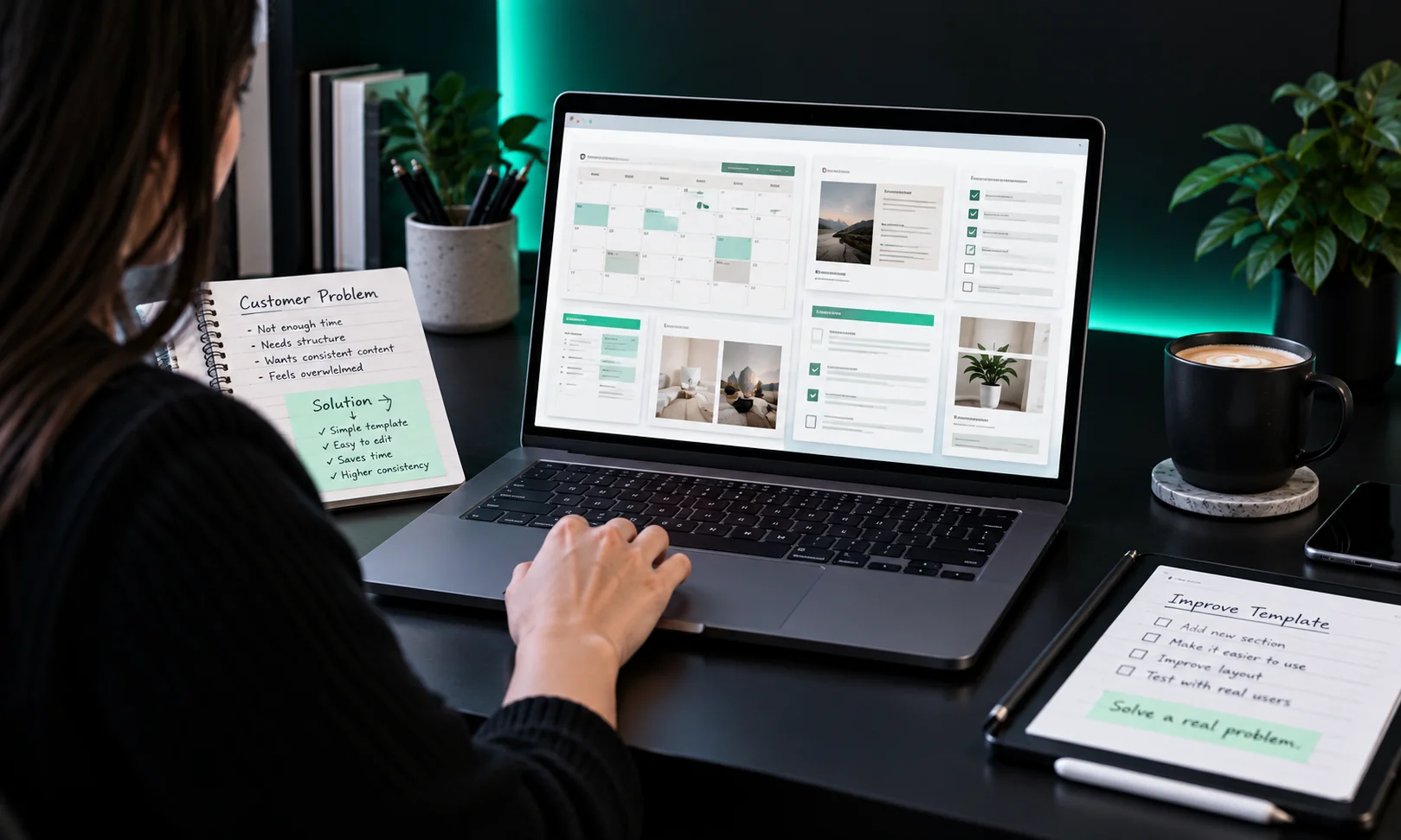
Start with the problem, not the design. Ask what the buyer is trying to finish. A “small business planner” is broad. A “30-day content planner for local service businesses” gives the buyer a clearer reason to care.
Then build only what supports that task. More pages do not automatically create more value. A smaller template can be better if it is focused and easy to use.
Use clear labels, logical sections, readable text, and enough space for real information. Before publishing, test the product like a first-time customer. Follow your own instructions, edit sample content, and export the result.
If anything feels confusing, fix it before selling.
How Do You Price Digital Templates?
There is no single correct price. It depends on the problem solved, design quality, amount of work, number of files, and audience.
Large bundles are not automatically better. Buyers may prefer a smaller set that is focused and easy to use.
Look at comparable products to understand the market, but do not copy pricing blindly. Etsy’s marketplace currently has thousands of digital template listings, with prices varying across individual products and bundles.
Where Can You Sell Digital Templates?
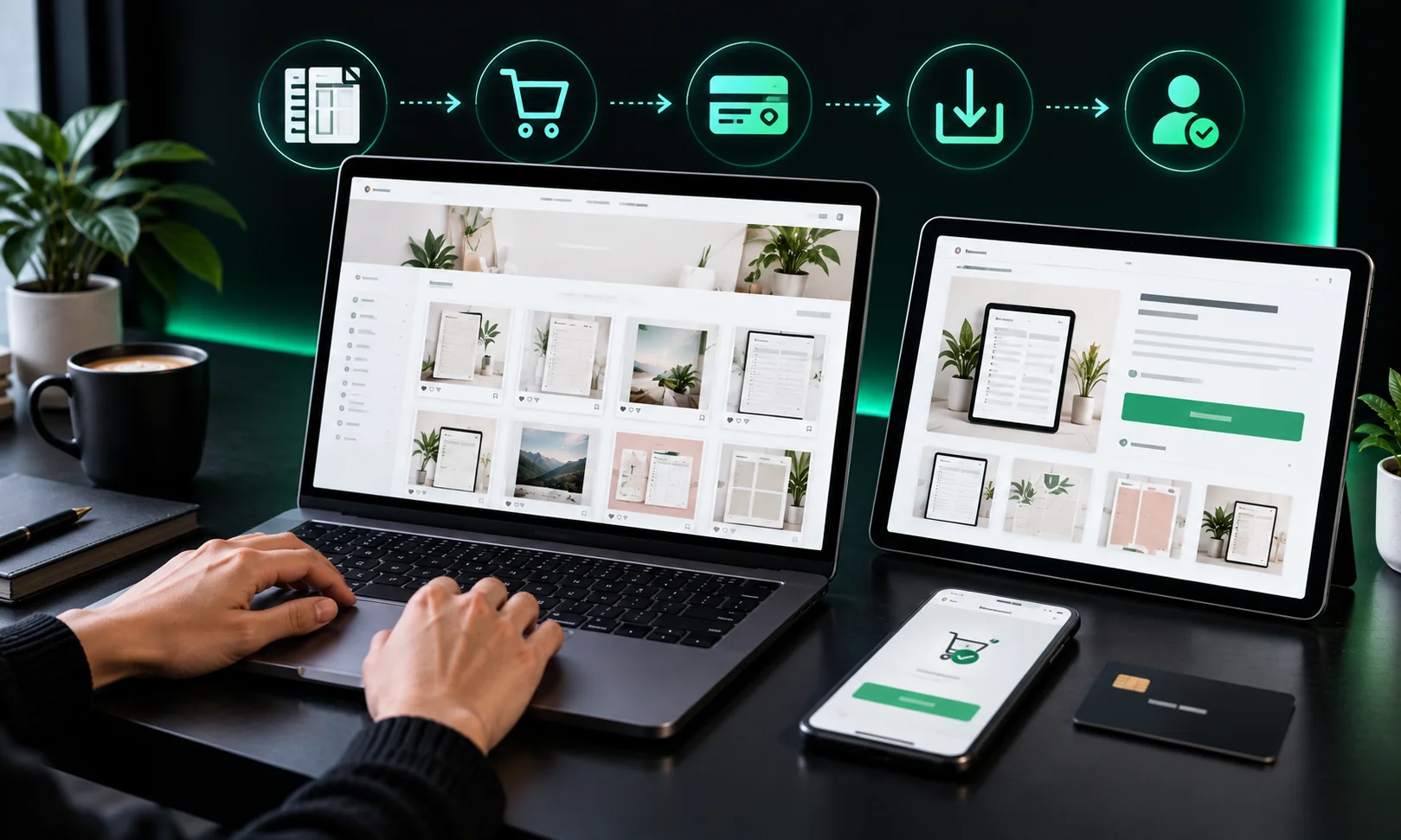
Marketplaces can make discovery easier because people are already searching for digital products. Etsy is one example. Creators can also sell through their own websites or other digital-product platforms.
Each channel has different fees, policies, audience expectations, and delivery systems. Read seller rules before choosing one.
Your listing should make the product easy to understand. Show what is included, explain the file type, say whether it is editable, and make delivery clear. Product images should show the template in use.
What Makes a Template Business Sustainable?
A template shop becomes more useful when products work together. Instead of publishing dozens of unrelated files, build around a clear audience.
For example, a seller targeting freelancers could offer a proposal template, invoice template, client onboarding checklist, project tracker, and content planner. One buyer may need several because they solve related problems.
Customer questions can also reveal what to improve. If buyers repeatedly ask where to edit something, the instructions may need work. If people request the same format, that can suggest another product idea. That is how a collection can grow from real customer needs instead of random designs.
Source Note
This guide uses current guidance from Google Search Central, Etsy seller documentation, and Canva’s licensing information. Google recommends people-first content that adds useful information rather than content made mainly to manipulate rankings. It also encourages clear authorship and trustworthy sourcing where appropriate.
For digital products, platform rules and licensing terms can change. Check official documentation before creating or selling a template.
A Practical Starting Point for Weird Wealth Readers
If you are new to digital products, do not begin by creating 50 templates. Pick one audience, find one repeated problem, and make one useful solution.
Instead of “templates for everyone,” choose something like “content planning templates for solo consultants.” Build one strong product, test the buying and delivery experience, listen to customer questions, and improve it. That approach gives you a product with a clear reason to exist.
Frequently Asked Questions
Are digital templates profitable?
They can be profitable, but there is no guaranteed income level. Results depend on demand, product quality, pricing, visibility, competition, and how well the template solves a problem.
What is the easiest digital template to make?
A simple checklist, planner, tracker, or document template can be a manageable starting point. The easiest product to create is not always the easiest to sell, so start with a clear customer need.
Can I sell Canva templates?
Yes, but you must follow Canva’s current licensing rules. Canva states that template designers need to pay attention to rights attached to content used in templates, especially Pro content.
Do digital templates need to be editable?
Not always. Some products are finished PDFs or printable files. Others are meant to be customized. Tell buyers exactly what they receive before purchase.
Can I sell the same template on different platforms?
That depends on platform rules, your ownership rights, and licenses attached to assets used in the template. Check the relevant terms before listing the same product elsewhere.
Disclaimer
This article is for general educational and informational purposes. Digital product income, marketplace demand, platform policies, pricing, and licensing conditions can change. Always check the current terms of the platform and software you use before selling a template.