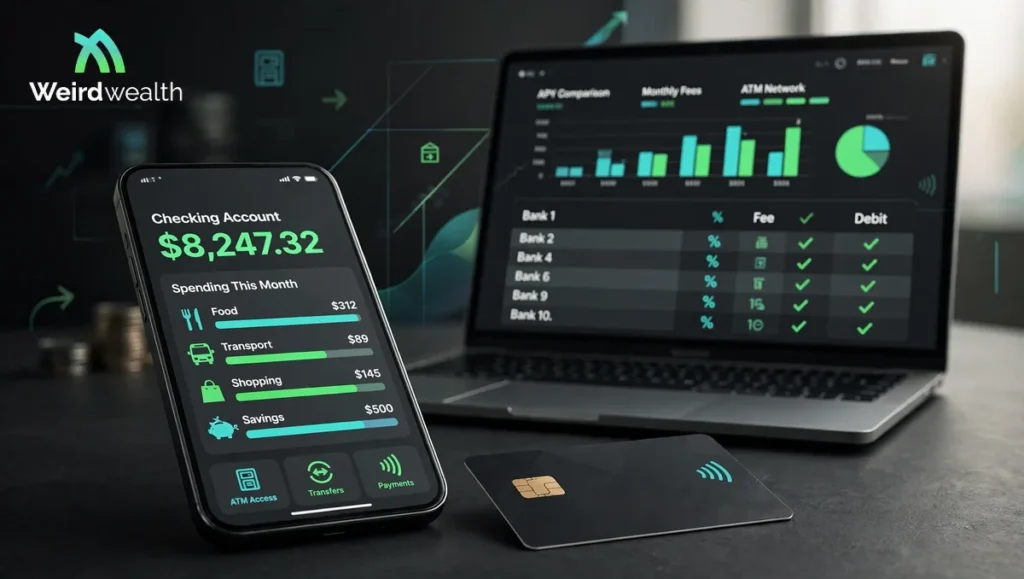
Choosing a bank used to mean visiting a branch and filling out forms. Now you can open an account from your phone while sitting at home. Neobanks Compared have made everyday banking easier with mobile apps, early direct deposits and accounts that often have no monthly maintenance fees.
But there is more to a good banking app than a clean screen. Some providers charge for instant transfers or out-of-network ATM withdrawals. Others offer useful features only after you receive a qualifying direct deposit.
So which one should you choose? This guide compares 10 popular digital banking providers in the United States. We look at their features, common fees and the details worth checking before you move your money.
Key Takeaways
- Neobanks Compared make it possible to manage everyday banking through a mobile app.
- Some providers are financial technology companies rather than licensed banks.
- Chime and Varo offer simple accounts with no monthly maintenance fees.
- SoFi combines checking and savings with additional financial products.
- Revolut is useful for people who exchange currencies or travel.
- ATM charges and instant transfer fees can make a free account more expensive.
- Always check which bank holds your deposits and how FDIC insurance applies.
What Is a Neobank and How Does It Work?

A neobank is a digital-first financial provider that lets customers manage money mainly through an app or website. You can usually check your balance, receive payments, transfer money and use a debit card without visiting a branch.
Some Neobanks Compared operate through a licensed bank partner. Others are banks themselves but focus heavily on online services. This is why the word neobank does not always mean the same thing as an online bank.
For example, Varo is a nationally chartered bank. Chime is a financial technology company that provides banking services through partner banks. The difference is worth understanding before opening an account.
10 Neobanks Compared in 2026
We selected these providers based on their everyday banking features, account costs, access to cash and usefulness for different types of customers. This is a research-based comparison of published product information. It is not a claim that we personally tested every app.
1. Chime — Best for Simple Everyday Banking
Chime is designed for people who want a straightforward checking account without monthly maintenance fees. Its app supports direct deposits, mobile check deposits, transfers and debit card controls.
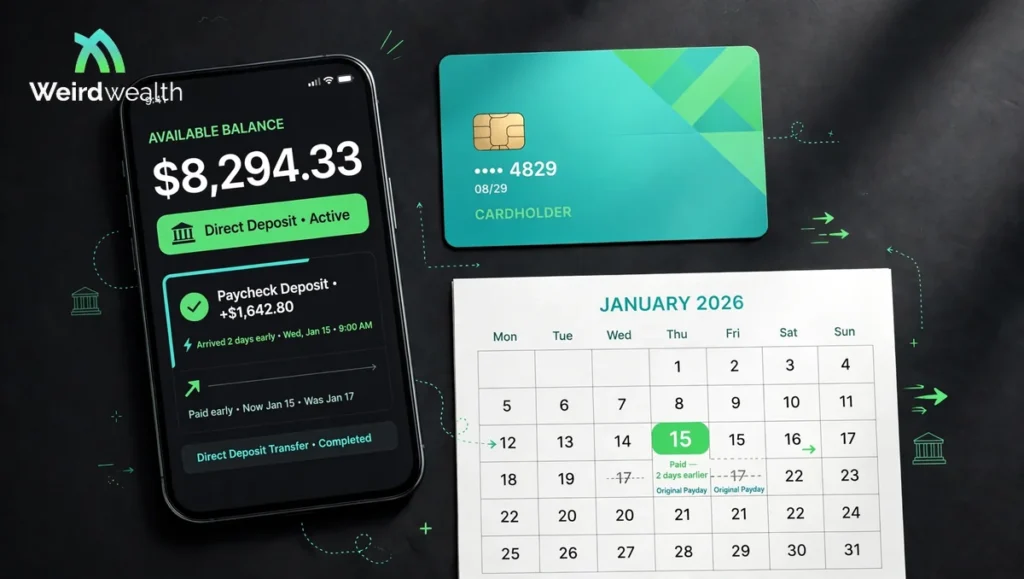
One useful feature is early direct deposit. Eligible customers may receive their paycheck up to two days earlier depending on when the employer sends payment information. Chime also offers SpotMe to qualifying members. It can cover eligible debit card purchases when the account balance is low.
Fees and fine print: Chime lists no monthly service fee and no overdraft fee. Out-of-network ATM withdrawals can cost $2.50 per transaction. Third-party ATM operators may charge another fee.
Chime is not a bank. Banking services are provided by The Bancorp Bank or Stride Bank. Check the account agreement to understand which partner bank holds your money.
2. SoFi — Best for Checking and Savings Together
SoFi is worth considering if you want checking and savings in one place. Its app also connects with other financial products such as loans and investment services.
SoFi Checking and Savings has no account or maintenance fees. Customers can use more than 55,000 Allpoint network ATMs without a SoFi withdrawal fee. The account also supports early direct deposit and mobile check deposits.
Fees and fine print: Some benefits depend on meeting eligibility requirements. For example the higher advertised savings rate requires qualifying direct deposits or at least $5,000 in qualifying deposits every 31 days. Without those conditions a lower variable rate applies.
SoFi can suit people who want several financial tools in one app. Just compare its current savings rate with other accounts before moving your emergency fund.
3. Varo Bank — Best for No-Fee Mobile Banking
Varo offers checking and savings through a mobile-first banking experience. Its main appeal is a simple account structure with no monthly maintenance fee or minimum balance requirement.
Customers can receive direct deposits early and withdraw cash at more than 40,000 Allpoint ATMs. Varo also supports cash deposits at participating CVS locations.
Fees and fine print: Varo does not charge monthly account fees or overdraft fees. However optional services may carry charges. Cash deposits and out-of-network ATM use can also involve costs depending on the service or location.
Unlike some fintech apps Varo is a nationally chartered bank. Eligible deposits are insured directly by the FDIC up to the applicable limit.
4. Current — Best for Spending and Budgeting Tools
Current focuses on everyday spending. Its app includes spending insights and Savings Pods that let users separate money for different goals. This can be helpful when you want to keep rent money apart from your weekly spending cash.
Current also offers early direct deposit and fee-free overdraft for eligible customers through its Overdrive feature. Access to the feature depends on account activity and qualifying deposits.
Fees and fine print: Current customers can use more than 40,000 Allpoint ATMs without a Current withdrawal fee. Out-of-network domestic withdrawals carry a $3.50 fee. The ATM operator may charge separately.
Current provides banking services through partner banks. Review the account agreement and eligibility rules before relying on overdraft access as part of your monthly budget.
5. Ally Bank — Best for Savings and Customer Support
Ally is an online bank rather than a typical fintech neobank. It still belongs in this comparison because its digital accounts compete with many app-based providers.
Its Spending Account has no monthly maintenance fee or minimum balance requirement. Ally also offers savings accounts and certificates of deposit. Savings Buckets help customers separate money for goals without opening several accounts.
Fees and fine print: Ally provides access to more than 75,000 no-fee ATMs and reimburses up to $10 per statement cycle for fees charged by other domestic ATMs. Some optional services such as outgoing domestic wires have a charge.
A major advantage is 24/7 customer support. That can be useful when you need help and do not want to depend only on in-app messages.
6. Revolut — Best for Travel and Currency Exchange
Revolut is built for people who use more than one currency. Its app supports currency exchange, international transfers and card payments. It can be useful for frequent travelers or people who regularly send money across borders.
The Standard plan has no monthly subscription fee. Users can exchange currencies within the plan’s limits and access in-network ATMs without a Revolut withdrawal fee.
Fees and fine print: Standard customers can face a 2% fee for out-of-network ATM withdrawals. Currency exchange above the monthly allowance can also cost extra. A 1% weekend exchange fee may apply.
Revolut is not the same as a traditional U.S. bank account in every respect. Check the specific U.S. account terms and protection details before keeping a large balance there.
7. OnePay — Best for Everyday Spending and Savings
OnePay combines payment features with banking services. Its app offers an account and savings Pockets. Customers can use these tools to organize money and manage everyday spending.
OnePay lists no monthly account fee and no overdraft fee. It also provides access to Allpoint ATMs without a OnePay cash-out fee.
Fees and fine print: Using a non-Allpoint ATM can cost $3. Instant transfers to a linked debit account carry a 1.75% fee with a minimum charge. OnePay Advance also has a fee that depends on when the account was opened.
OnePay can be convenient for people who already use its connected shopping and payment services. Still compare its transfer costs with a regular bank account if you move money often.
8. Cash App — Best for Payments Between People
Cash App is mainly known as a payment app. It also offers account features through its Cash App Card and related services. Users can receive direct deposits and use their balance for eligible purchases.
There is no monthly fee for the standard account. Standard transfers to a linked bank account are free and usually take one to three business days.
Fees and fine print: Instant transfers can cost between 0.5% and 2.5%. Paper money deposits cost $1 per transaction. ATM withdrawals have a $2.50 Cash App fee unless the user qualifies for a reimbursement under the stated conditions. The ATM operator may add another charge.
Cash App is a financial services platform and not an FDIC-insured bank. Pass-through deposit insurance may apply to eligible balances when the required account conditions are met. Do not assume every app balance is automatically insured.
9. GO2bank — Best for Cash Deposits
GO2bank may work for people who need a digital account but still handle cash. Customers can deposit cash at participating retail locations and manage the account through the app.
The account offers direct deposit and access to Allpoint ATMs. It can also provide early access to qualifying direct deposits.
Fees and fine print: The monthly fee is $0 when you receive a qualifying payroll or government benefits direct deposit in the previous statement period. Otherwise the fee is $5. Retail cash deposits can cost up to $4.95. Out-of-network ATM withdrawals cost $3.
This account makes more sense when you meet the direct deposit condition. If you do not receive regular qualifying payments the monthly fee can reduce its value.
10. Dave — Best for ExtraCash Access
Dave combines a checking account with budgeting tools and its ExtraCash feature. Eligible users may qualify for an advance when they need help covering a short-term cash gap.
The app also supports early direct deposit and access to more than 40,000 MoneyPass ATMs without a Dave withdrawal fee.
Fees and fine print: Dave membership can cost up to $5 per month for certain services. ExtraCash advances can carry a fee equal to 5% of the advance with a $5 minimum. Optional instant transfers to an external debit card may cost 1.5%.
Dave is not a bank. Banking services are provided by partner banks. ExtraCash is not free money. It is an advance that must be settled under the product terms. Use it carefully rather than treating it as regular income.
What Fees Should You Check Before Opening a Neobank Account?

A provider may advertise a free account but still charge for certain services. Before signing up take a closer look at these costs:
- Monthly maintenance: Check whether the account has a monthly fee or a direct deposit condition that waives it.
- ATM withdrawals: Find out how many fee-free ATMs are available near your home and workplace.
- Cash deposits: Some providers charge a retail service fee when you add physical cash.
- Instant transfers: Faster transfers can cost a percentage of the amount you move.
- Overdraft services: Check whether the feature is optional and whether it charges a fee.
- Foreign transactions: Currency exchange and overseas card payments may have extra costs.
The Consumer Financial Protection Bureau explains why account fees matter in its guide to bank and credit union accounts.
Is Your Money Safe With a Neobank?

This is one of the most important questions to ask. A banking app may look like a bank but the company behind it may not be a licensed bank.
When a provider works with a partner bank your deposits may qualify for FDIC pass-through insurance. However certain legal and recordkeeping conditions must be met. The FDIC explains these rules in its guide to banking with third-party apps.
Before depositing money check:
- The name of the bank holding your deposits.
- Whether that bank is FDIC-insured.
- Whether your account qualifies for pass-through insurance.
- How your balance is recorded and protected.
- Whether the provider offers a clear way to contact support.
FDIC insurance protects eligible deposits if an insured bank fails. It does not protect you from every problem involving a fintech company’s business or app.
How to Choose the Right Neobank for Your Needs
The best neobank depends on how you use your money. If you mainly receive a paycheck and pay bills then a simple checking account may be enough. Chime or Varo could be worth comparing.
If you want checking and savings together SoFi may be a better fit. Travelers may prefer Revolut because of its currency features. People who regularly deposit cash should look closely at GO2bank or providers with convenient retail deposit options.
Also think about how you move money. If you often send funds between accounts this guide to transferring money between banks can help you understand transfer methods and timing.
For long-term money decisions it is also worth reading these lessons from JL Collins. A useful account should support your wider financial habits rather than encourage spending just because the app makes it easy.
Frequently Asked Questions
1. Are neobanks real banks?
Some are licensed banks while others are financial technology companies that work with partner banks. Check the provider’s legal disclosures to see which bank holds your deposits.
2. Do neobanks charge monthly fees?
Many digital accounts have no monthly maintenance fee. However some charge for ATM withdrawals, instant transfers, cash deposits or optional services.
3. Are neobank accounts FDIC-insured?
Eligible deposits at FDIC-insured banks are protected up to the applicable limit. If a fintech uses a partner bank pass-through insurance depends on specific conditions. Check the account agreement.
4. Can I deposit cash into a neobank account?
Some providers support cash deposits at retail stores. Chime offers participating cash deposit locations while GO2bank supports retail cash deposits for a fee. Availability and limits vary.
5. Which neobank is best for international travel?
Revolut is worth considering because it offers currency exchange and international money features. Check exchange limits and weekend charges before using it abroad.
Final Thoughts
Neobanks Compared can make everyday banking easier. They offer quick account access and useful app features. Many also avoid the monthly maintenance fees that some traditional accounts charge.
Still, a free account is not automatically the best account. Look at ATM access and transfer costs. Check how cash deposits work and understand where your money is held.
At WeirdWealth we believe the right banking choice should make managing money simpler. Choose a provider that fits your routine and read the fine print before moving your paycheck or savings.
Disclaimer
This article is for general educational purposes only. It is not personal financial advice. Account features and fees can change. Confirm current terms directly with each provider before opening an account or moving money. Deposit insurance depends on the bank and account structure. Review the relevant account agreement for details.