
Making a Best Buy credit card payment is easy once you know where to go. Your card is run by Citibank so you pay through Citi’s website or app or phone line and not through Best Buy’s main shopping site.
This guide on WeirdWealth walks you through every option. We also cover what you need before you pay and the mistakes that lead to late fees.
Key Takeaways
- Citibank runs the Best Buy credit card so payments go through Citi
- You can pay online or as a guest or by phone or by mail
- Use the phone number printed on your card
- Never mail cash
- Pay a few days early to avoid cutoff problems
- Autopay for the minimum is a simple safety net
- Check your own card terms for fees and rates
Who Actually Runs Your Best Buy Credit Card?
A lot of people think Best Buy handles the card bills. It doesn’t. The Best Buy credit card is issued by Citibank and the bill statement shows your balance and your minimum payment and your due date.
This matters because it tells you where to log in. If you go hunting around the Best Buy website you might get lost. Citi is the place for payments and statements and balance checks.
There are also two versions of the card. One is the My Best Buy Visa card that works anywhere and the other is the store only My Best Buy card. The payment steps are about the same for both.
How Do You Make a Best Buy Credit Card Payment Online?
Online is the fastest way for most people. You don’t need stamps or a trip to the store and you can do it from your phone in a few minutes.
Paying With Your Citi Account
Go to the Citi website and sign in with your user ID and password. Then pick your Best Buy card from the account dashboard. After that you choose the payment amount and the bank account you want to pay from.
If you don’t have a login yet you can register using your card number and some personal details. Setting this up once saves you time every month.
Here is what most people can choose from:
- Pay the minimum amount
- Pay the full statement balance
- Pay a custom amount
- Set up autopay for later
Paying as a Guest
Don’t want to create an account? No problem. Citi has a guest option that needs no login. You enter your card number and billing zip code and your bank details to make a one time payment.
This works well if you just need to pay once and move on. But remember you won’t see your full account history this way.
Can You Make a Best Buy Credit Card Payment by Phone?
Yes you can. Call the customer service number on the back of your card and be ready with your account info and payment details.
I’d always use the number printed on your card. Phone numbers online can be old or even fake so the card itself is the safest source. The automated system is reportedly open all day and night while live agents work during business hours.
Keep your bank account number and routing number close before you call. It makes the whole thing way quicker.
Paying by Mail or in a Best Buy Store
Not everyone likes paying online and that’s fine. Mail still works but it’s the slowest option so send it early.
Some things to remember about mailing:
- Use a check or money order
- Write your account number on it
- Never send cash
- Check your statement for the right payment address
Citibank does not accept cash by mail. So don’t try that.
You can also pay in person. Some sources say you can pay at a Best Buy register with your card or account number using cash or debit or a check. Store policies can change though so call ahead or check with Citi before you go.
What Do You Need Before You Pay?
Having your stuff ready makes this a two minute job. Most of the time you need very little.
- Your Best Buy credit card number
- Your bank account and routing number
- Your billing zip code
- The amount you want to pay
For guest payments you may also need the last four digits of your Social Security number. Only enter this on the real Citi website. Check the web address carefully before typing anything private.
Is Autopay a Good Idea for Your Best Buy Card?
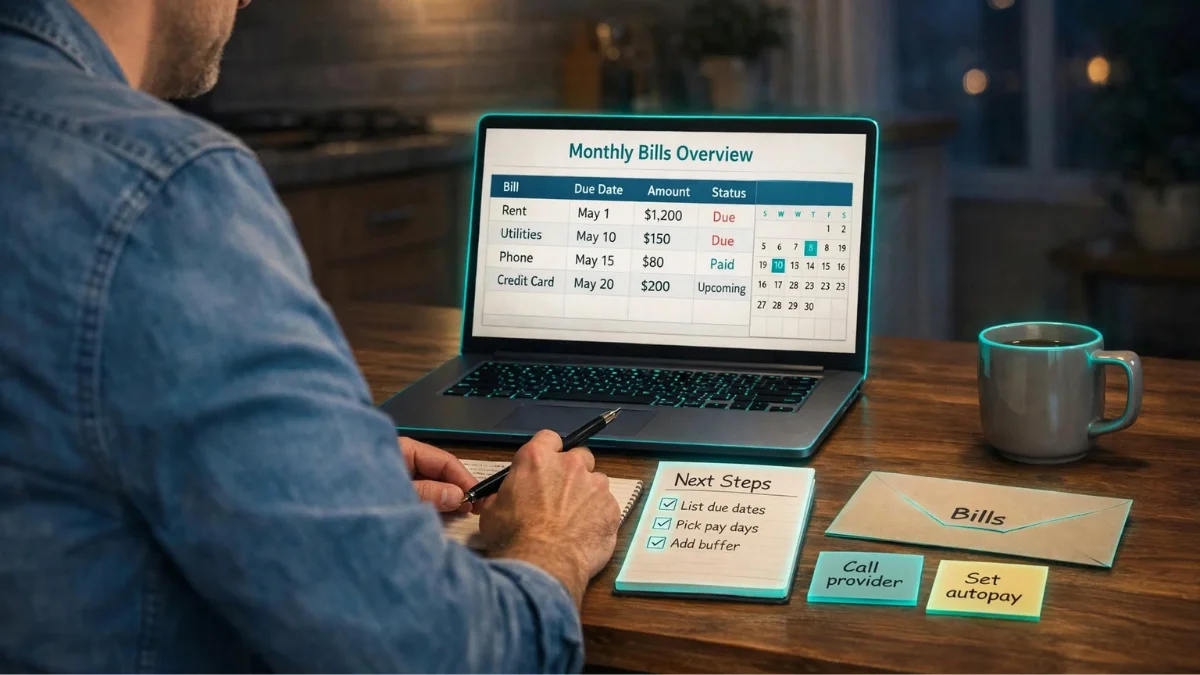
Autopay is great if you tend to forget. You can set up automatic payments in the Citi portal after linking your bank account.
But there’s a catch. If your bank account runs low, the payment can bounce and cause new problems. So make sure the money is there before the due date. Using free budget templates can help you track upcoming bills and avoid running short.
A smart middle path is to set autopay for the minimum amount. That helps protect you from a late fee, although interest may still apply to the remaining balance. Then you can pay extra by hand whenever you can. If you have money left over, you can also explore high-yield savings accounts or compare the best CD rates for your savings goals.
What Mistakes Cause Late Payments?
Most late payments aren’t because people can’t pay. They just forget or pay at the wrong time. Here are the usual ones:
- Mailing a check too close to the due date
- Paying after the daily cutoff time
- Using the wrong account number
- Ignoring email or text alerts
Online payments made before the daily cutoff usually post the same day. So don’t wait until 11 at night and hope for the best. Pay a few days early if you can.
Another tip is to set a calendar reminder. A reminder a few days before the due date helps you avoid missing it.
What Happens If You Miss a Best Buy Credit Card Payment?
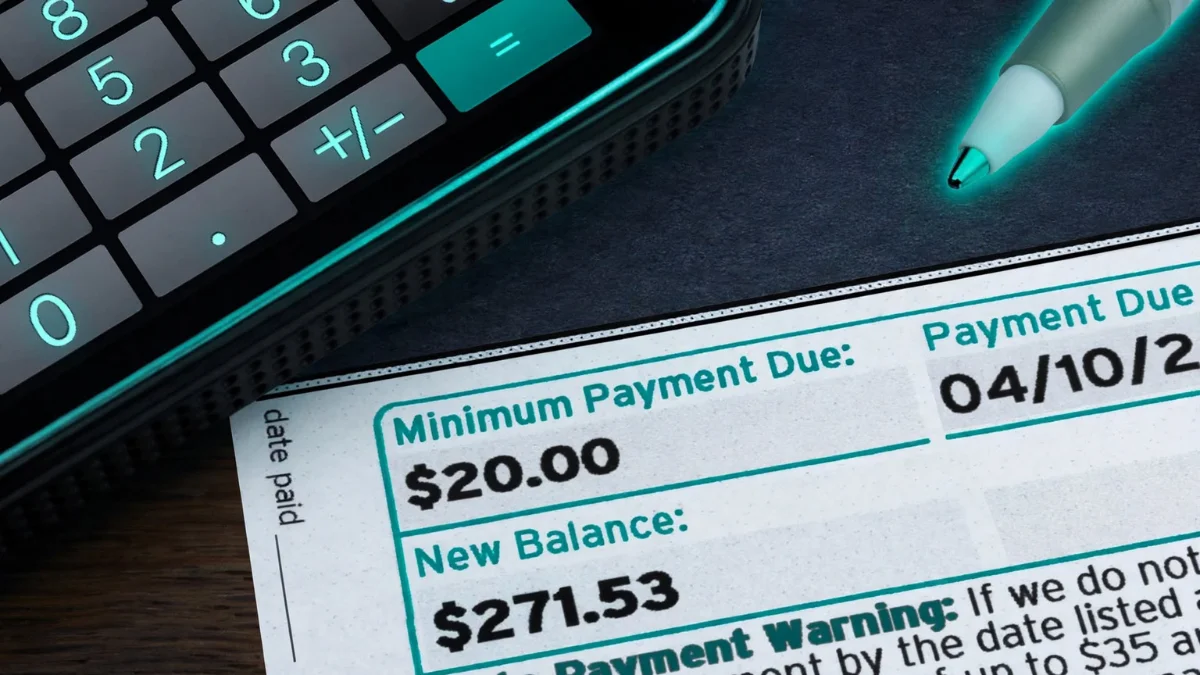
Missing a payment can hit you in a few ways at once. You can get a late fee and a higher interest rate and a dent on your credit report. The good news is that most of it is fixable if you act fast.
How Much Is the Late Fee?
Late fees are not small. Reports say Citi’s standard late fee goes up to $41 as of 2026. Another card review site lists the max at $38 so the number may depend on your account.
So expect somewhere around $38 to $41 and then check your own agreement. Don’t trust any blog for the exact figure. Your cardholder agreement is the final word.
Can Your Interest Rate Go Up?
Yes and this is the part people forget. A missed payment can trigger something called a penalty APR. That is a higher rate that can apply to your whole balance and can last six months or more.
Here’s where the sources disagree. Some say even one day late can trigger it. Others say cards usually switch to the penalty rate once you are more than 60 days late. I can’t tell which one fits your account so read the penalty APR line in your agreement.
The rule that helps you is this one. If late payments caused the penalty rate then the issuer must review your account after six months and lower the rate after six on time payments in a row.
Will It Hurt Your Credit Score?
It can but timing matters. Payments more than 30 days late get reported to the credit bureaus and show up on your credit report. A payment that is just a few days late usually costs you a fee but doesn’t always reach your report.
Also the penalty APR itself doesn’t touch your score. It’s the late payments behind it that do the damage.
What About Special Financing Deals?
This one is easy to miss. If you bought something on a promo plan like no interest for 12 months a late payment can cause trouble. Some agreements cancel the 0% offer if you pay late even once.
That could mean interest gets added to your old purchases too. So read the fine print on any deal you signed up for.
What Should You Do Right Now?
If you already missed a payment here’s a simple plan:
- Pay the minimum amount right away
- Call Citi using the number on your card
- Ask nicely if they can waive the late fee
- Set up autopay for at least the minimum
- Check your next statement to make sure the fee is right
Waivers are not guaranteed. One cardholder review said the fee was not removed and a new one was added. Still it takes five minutes to ask so give it a shot. cardhub
How Do You Stop It From Happening Again?
Most late payments come from forgetting and not from lack of money. A few small habits fix that.
- Turn on email or text alerts
- Use autopay for the minimum
- Pay a few days before the due date
- Keep a calendar reminder
How We Put This Guide Together
The WeirdWealth team pulled this info from public pages that explain how Citi handles Best Buy card payments. Many of those pages were finance blogs and not official bank pages. So we only kept the points that matched across sources and we skipped details we couldn’t confirm like exact fees and mailing addresses.
We haven’t tested every payment method ourselves. Before you send money double check the steps on the official Citi website or your card statement.
FAQs
Where do I make my Best Buy credit card payment?
Mostly through Citibank since they issue the card. You can use the Citi website or app or call the number on your card.
Can I pay my Best Buy credit card without logging in?
Yes. Citi offers a guest payment option for one time payments. You will need your card details and bank info.
Can I use a debit card to pay?
It depends. Online and phone payments usually need a bank account and routing number but a debit card may work when you pay in a Best Buy store. Confirm this with Citi first.
How long does a payment take to show up?
Online payments made before the cutoff time usually post the same day. Mailed payments take longer so send them early.
What if I paid the wrong amount?
Contact Citibank customer service right away to see if they can fix it.
Is it safe to pay online?
Yes if you use the real Citi website. Check the web address and never share your login with anyone.
Disclaimer
This article is for general information only and isn’t financial advice. Payment options and fees and rules can change anytime. Always confirm details with Citibank or your card agreement before you pay. WeirdWealth isn’t connected to Best Buy or Citibank.
Sources used: Citibank and Best Buy card pages (check for the latest steps) and public payment guides on WallHub and Gerald.