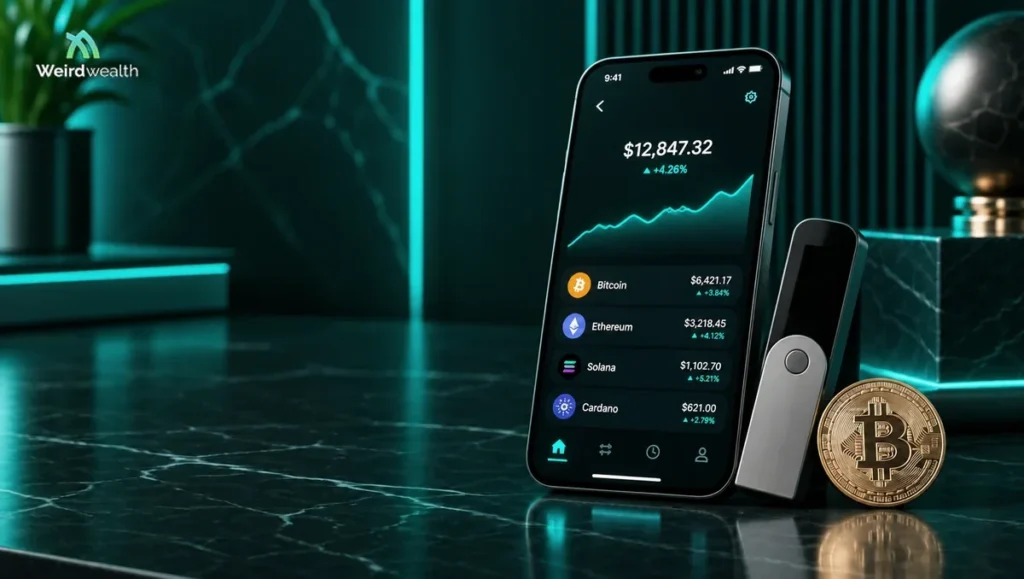
The best crypto wallet for beginners depends on which cryptocurrency you own, how often you plan to use it, and whether you’re comfortable managing your own private keys. Trust Wallet is worth considering for broad cryptocurrency support, Coinbase Wallet for flexible onboarding, Phantom for Solana-focused users, and MetaMask for exploring blockchain applications. If you prefer offline private-key protection, the Trezor Safe 3 and Ledger Nano S Plus are hardware options to investigate.
Imagine buying your first $100 of Bitcoin. You’re excited, but a little nervous. You’ve heard stories about people losing cryptocurrency after forgetting passwords, sending money to the wrong address, or trusting fraudulent applications. Then someone tells you to buy a cold wallet.Another person recommends a browser extension.
A third insists that you should never leave cryptocurrency on an exchange. Suddenly, protecting $100 feels more complicated than earning it. Here’s what most beginners need to hear. A crypto wallet isn’t simply an app where your money sits. It’s a tool for controlling access to digital assets recorded on a blockchain. Understanding that distinction matters more than choosing the wallet with the most attractive interface.
At Weird Wealth, we believe financial technology should give people confidence without hiding the risks. So let’s compare six established wallet options, explain the real differences between them, and work through the questions you should answer before transferring any money.
Key Takeaways
- Crypto wallets manage the keys or other credentials used to control assets on blockchains; they don’t physically store coins.
- Self-custody means you’re responsible for protecting access to your assets.
- Trust Wallet supports a broad selection of blockchains and is available for mobile devices and browsers.
- Coinbase Wallet offers different wallet types, including recovery-phrase and passkey-based experiences.
- Phantom supports Solana, Bitcoin, Ethereum, and several other specified networks, but not every blockchain.
- MetaMask has expanded beyond Ethereum and supports several networks, including Bitcoin and Solana.
- Hardware wallets such as Trezor Safe 3 and Ledger Nano S Plus isolate signing keys from ordinary computer environments.
- Network compatibility, recovery methods, transaction fees, and user behavior matter more than wallet popularity.
- No wallet can guarantee protection against malicious approvals, scams, or permanent loss of recovery information.
What Is a Crypto Wallet?
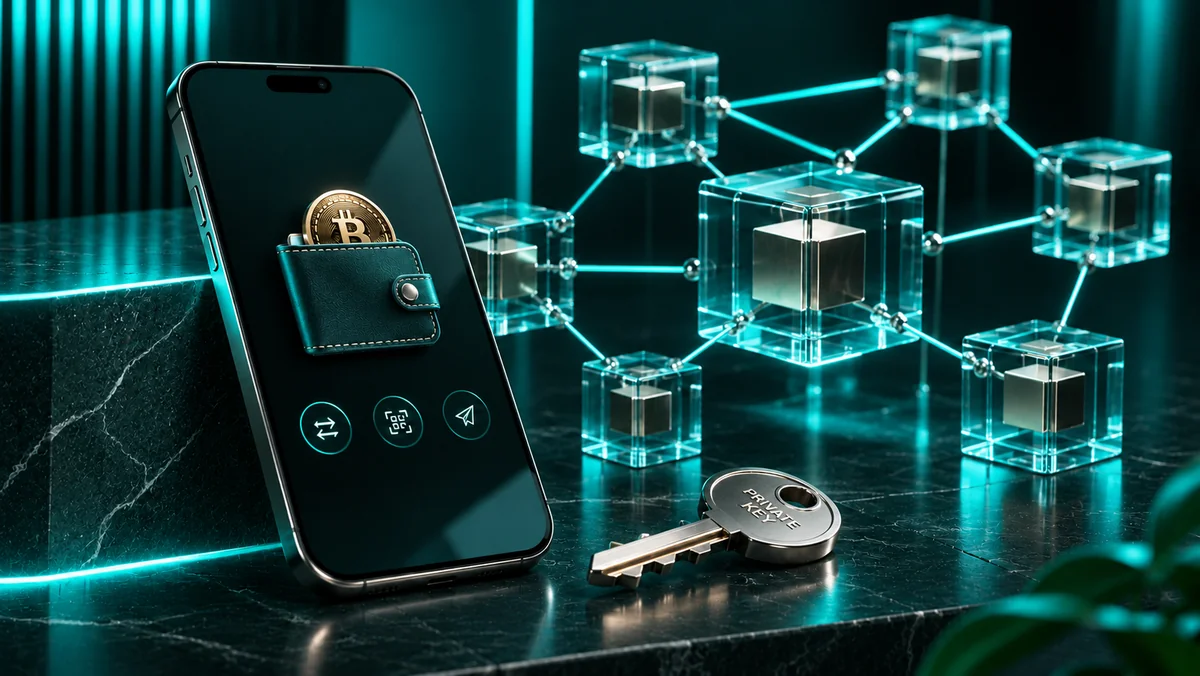
A cryptocurrency wallet is an application, device, or arrangement that enables you to manage access to digital assets. Your cryptocurrency balance is generally recorded on a blockchain. The wallet lets you view the relevant information, prepare transactions, and authorize actions using the credentials associated with your assets.For traditional self-custodial wallets, the critical credential is a private key.
Some newer wallet designs use passkeys, smart contracts, or other account recovery arrangements. That doesn’t mean they eliminate security responsibilities. It means the method of controlling and recovering access may be different. The U.S. Securities and Exchange Commission’s December 2025 investor bulletin explains an essential distinction: self-custody gives you control, but it also makes you responsible for protecting your keys and recovery information. If those credentials are lost or stolen, the consequences can be permanent.
6 Crypto Wallets Beginners Should Compare
1. Trust Wallet: For Broad Cryptocurrency Support
Trust Wallet is a self-custodial cryptocurrency wallet available as a mobile app and browser extension. Its official documentation states that it supports more than 100 blockchains, including Bitcoin, Ethereum, Solana, BNB Smart Chain, Polygon, and others.For beginners holding different cryptocurrencies, that breadth can be convenient. You may be able to manage multiple supported assets without installing a separate wallet for each network.
Trust Wallet is free to download, although blockchain transaction fees and third-party service charges may apply. What we like: Broad network coverage and an accessible mobile experience. What to watch: Managing numerous networks increases the importance of selecting the correct blockchain for every transaction. Suitable for: Beginners who want one self-custodial app for several supported cryptocurrencies.
2. Coinbase Wallet: For Flexible Onboarding
Coinbase Wallet is a self-custody wallet product, separate from simply holding assets in a custodial Coinbase exchange account. Its current documentation describes several wallet types. These include smart wallets using passkeys, email or social sign-in wallets, and recovery-phrase-based wallets. Importantly, their capabilities differ. Coinbase states that smart wallets support EVM-compatible networks, while certain other wallet types support Bitcoin and Solana as well.
The company also discontinued wallet support for some networks after August 15, 2026. That makes checking current compatibility particularly important. What we like: Multiple onboarding and recovery approaches. What to watch: Don’t assume that every Coinbase Wallet account type supports the same coins, networks, or recovery process. Suitable for: Beginners who want to compare traditional recovery phrases with newer account-access methods.
3. Phantom: For Solana and Supported Multichain Activity
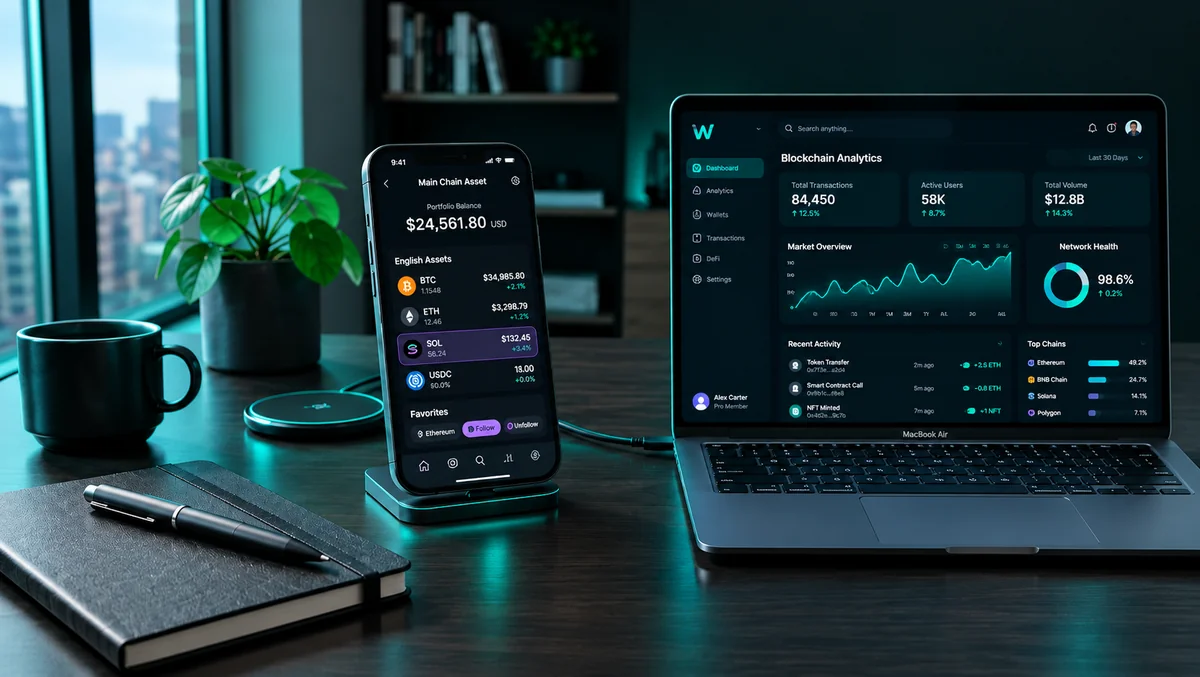
Phantom became widely known as a wallet associated with the Solana ecosystem. It has since expanded into multiple networks. Its official supported-network list currently includes Solana, Ethereum, Bitcoin, Base, Polygon, BNB Chain, and several other networks. However, it does not support every Ethereum-compatible network. For example, its current documentation lists Arbitrum, Optimism, and Avalanche among unsupported networks.
This is a useful reminder that multichain doesn’t mean universal compatibility. What we like: A focused user experience for supported assets, particularly people using Solana. What to watch: Network availability can change, and unsupported networks require other compatible arrangements. Suitable for: Beginners particularly interested in Solana and Phantom’s currently supported networks.
4. MetaMask: For Exploring Blockchain Applications
MetaMask is a self-custodial wallet widely used to interact with blockchain applications. Its official documentation now lists support for Ethereum, Bitcoin, Solana, Polygon, Base, Arbitrum, and other networks. That’s important because older wallet guides sometimes describe MetaMask as exclusively Ethereum-focused. The product has evolved. MetaMask also offers different account and recovery arrangements, so users should understand the setup they choose.
Its flexibility is useful for someone learning about decentralized applications. However, that flexibility can create risks. Connecting to unfamiliar websites, approving token access, or signing transactions without understanding them can lead to losses. What we like: Broad integration with blockchain applications and expanding network support. What to watch: Advanced interactions require learning how permissions and transaction approvals work.
Suitable for: Beginners who intend to learn about supported blockchain applications rather than simply hold one asset.
5. Trezor Safe 3: For More Deliberate Offline Security
Trezor Safe 3 is a hardware wallet.
Unlike a typical phone wallet, it keeps the sensitive signing process within a dedicated physical device. Trezor describes the Safe 3 as featuring open-source design, a secure element, USB connectivity, and on-device transaction confirmation. It supports Bitcoin and numerous other cryptocurrencies, although the available functionality depends on the asset and compatible software.
A hardware wallet can help reduce exposure to certain threats affecting general-purpose devices. But it still requires proper backup and transaction verification. What we like: Dedicated signing hardware and straightforward physical controls. What to watch: Device cost, backup handling, software compatibility, and the additional steps required to send funds. Suitable for: Beginners who want to learn self-custody carefully and prefer a physical signing device.
6. Ledger Nano S Plus: For Hardware Storage Across Supported Assets
Ledger Nano S Plus is another compact hardware wallet. It uses a secure element, USB connectivity, and on-device confirmation. Its appeal includes compatibility with numerous supported cryptocurrencies through Ledger’s software and supported external wallet applications.
Like Trezor, it introduces an additional physical step between a transaction prepared on a computer and the final approval. But a hardware device cannot determine whether every transaction serves your interests.
If you approve a malicious action, you can still lose assets. What we like: Broad supported-asset ecosystem and dedicated signing hardware. What to watch: Small-screen verification, asset-specific application requirements, and recovery phrase security. Suitable for: Beginners who prefer hardware-based self-custody and hold assets supported by Ledger’s ecosystem.
Crypto Wallet Comparison Table
| Wallet | Type | Main advantage | Main tradeoff |
| Trust Wallet | Software, self-custody | Broad multichain support | Network-selection complexity |
| Coinbase Wallet | Software, multiple account models | Flexible onboarding | Features vary by wallet type |
| Phantom | Software, self-custody | Solana-oriented experience | Doesn’t support every network |
| MetaMask | Software, self-custody | Blockchain application compatibility | Advanced permissions can confuse users |
| Trezor Safe 3 | Hardware, self-custody | Isolated transaction signing | Device cost and manual procedures |
| Ledger Nano S Plus | Hardware, self-custody | Dedicated hardware with broad asset support | Small interface and backup responsibility |
This comparison reflects verified product characteristics, not a claim that one device is universally safer than another.
Hot Wallet vs. Cold Wallet: Which Is Better for Beginners?
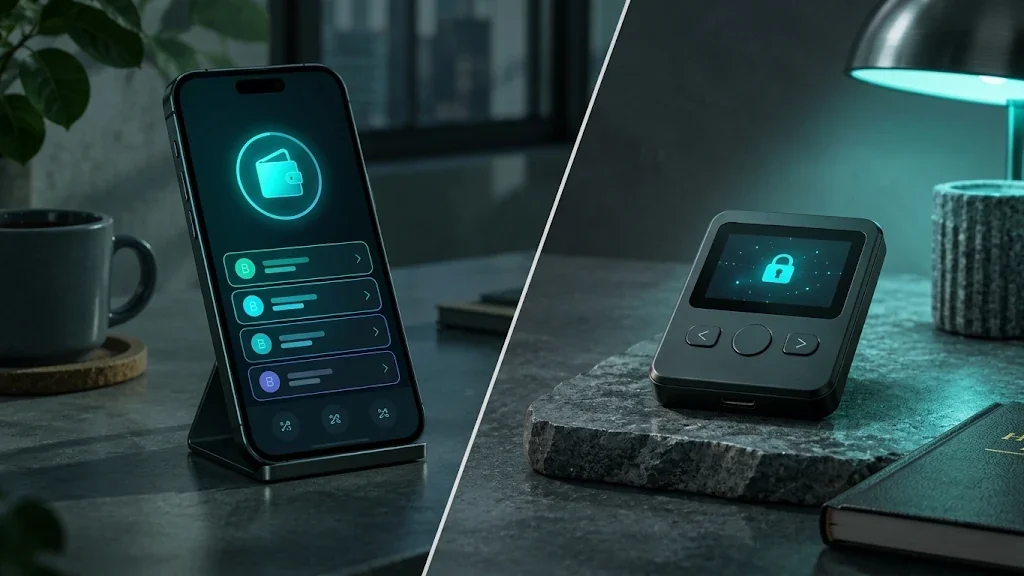
A hot wallet generally operates on an internet-connected device. A cold wallet keeps sensitive signing keys isolated from that environment. For someone learning with a small amount of cryptocurrency, a reputable software wallet can provide an opportunity to understand receiving addresses, transactions, and recovery procedures. For someone holding assets over longer periods, hardware storage may deserve consideration.
But the choice isn’t purely about portfolio size. It also depends on technical confidence and behavior. A person who carefully uses a software wallet may manage risks more effectively than someone who buys expensive hardware but mishandles its recovery phrase.
| Question | Hot software wallet | Cold hardware wallet |
| Separate hardware required? | Usually no | Usually yes |
| Convenient for frequent activity? | Generally | Less immediate |
| Private keys isolated from everyday device? | Usually not to the same degree | Designed for isolation |
| Backup required? | Depends on account design | Yes, under relevant recovery model |
| Can malicious approvals cause losses? | Yes | Yes |
| Best role | Convenient regular access | More deliberate custody |
Neither model guarantees safety.
Self-Custody vs. Keeping Crypto on an Exchange
This decision comes before selecting a wallet. When you hold cryptocurrency through a typical custodial exchange, the provider manages the relevant custody infrastructure.You access your account through the platform’s login and recovery processes.With self-custody, you control the wallet credentials yourself. That can reduce dependence on an exchange.
But it means you may have no customer support department capable of restoring a lost private key or recovery phrase. An exchange failure can create serious financial losses. A self-custody mistake can do the same. The right choice requires understanding which risks you’re prepared to manage.
What Is a Recovery Phrase?
A recovery phrase is a sequence of words that can help restore access to certain cryptocurrency wallets. Many traditional wallets use phrases containing 12 or 24 words. However, newer account designs can use different methods, including passkeys or other recovery arrangements.
You must follow the exact instructions for your chosen wallet type. Never assume that one recovery method applies to every product.
Why Recovery Phrases Matter
Imagine losing your phone. If you used a traditional self-custodial wallet and preserved the correct recovery phrase, you may be able to restore the wallet using compatible software. But if you lose both the device and the only valid recovery information, access may be permanently lost. And if someone else obtains that information, they may be able to control your assets. Never share a recovery phrase with customer support, a stranger, or a website claiming it needs to verify your wallet.
The Biggest Beginner Mistake: Choosing the Wrong Network
Imagine someone wants to send USDT to a wallet. They see the token name and recognize it. But the sender and receiver are using different blockchain networks. A transfer made through an unsupported network can cause recovery complications or permanent losses. This is why choosing a wallet based solely on whether it lists a token is inadequate. You need to know the actual network.
A wallet may support USDT on one chain without supporting the same token on another.
Before sending:
- Verify the specific asset.
- Confirm the sending network.
- Confirm that the receiving wallet supports that network and asset.
- Check the receiving address carefully.
- Consider a small test transfer where practical.
Blockchain transactions may be irreversible, and even small tests can incur network fees.
The Weird Wealth WALLET Framework
Here’s our original framework for comparing cryptocurrency wallets.
We call it the WALLET Framework.
W — What assets do you own? Verify exact coin and network support.
A — Access and recovery: Understand how you would regain access after losing your phone or device.
L — Level of control: Identify whether you or a third party controls the necessary signing credentials.
L — Likely activity: Are you holding Bitcoin, transferring stablecoins, or interacting with blockchain applications?
E — Expenses: Consider hardware costs, network fees, swap charges, and other service fees.
T — Transaction safety: Can you understand and verify what you’re approving?
The framework doesn’t produce a universal winner.
It helps identify the wallet that matches your needs without ignoring important responsibilities.
How Much Does a Crypto Wallet Cost?
Many software wallets are free to download. But that doesn’t make every transaction free. Blockchain networks charge fees for certain transactions. Swaps and purchases may involve additional charges from providers or other participants. Hardware wallets require a device purchase.
To understand why small fees matter, consider a fictional user swapping $200 of cryptocurrency. Suppose the combined fee and price impact is 1.5%.
That represents $3. If the person makes ten comparable transactions, the cost could total approximately $30, assuming the same amount and effective rate each time. These are hypothetical figures, not quotes from any wallet provider. The lesson is to examine the complete cost before confirming each action.
A $500 Beginner Wallet Example
Imagine two hypothetical people. Olivia has $500 in cryptocurrency and plans to make occasional transfers. Daniel has $500 and frequently interacts with decentralized applications. They own different assets and have different needs. Olivia might prioritize simple receiving, sending, and backup procedures. Daniel may prioritize compatibility with particular networks and applications. Now suppose a hardware wallet costs $80.
For either person, that represents 16% of the current portfolio value. That doesn’t prove the device is too expensive. But it demonstrates why hardware costs should be assessed in context. The best choice isn’t determined by one percentage. It depends on risks, technical ability, future plans, and the value of having dedicated signing hardware.
How to Set Up Your First Crypto Wallet Safely

Step 1: Choose the Asset and Network First
Don’t download a wallet before understanding what you’re trying to hold. Confirm compatibility through the provider’s current official documentation.
Step 2: Obtain the Official Application or Device
Use independently verified official sources. Avoid suspicious search advertisements and links sent through unsolicited messages.
Step 3: Learn the Recovery Process
Follow the setup instructions. Protect recovery information securely. Never share it or enter it into unexpected websites.
Step 4: Review Security Settings
Use strong authentication, device protection, and any appropriate security features supported by your wallet.
Step 5: Verify the Receiving Address
Check that the address corresponds to the correct asset and network.
Step 6: Begin With a Small Transaction
A modest test can help you learn the process before transferring substantial value.
Step 7: Check Every Approval
Don’t approve unfamiliar contract interactions or transactions simply because an application presents a confirmation button.
Five Wallet Scams Beginners Should Avoid
Fake wallet apps: Criminals publish applications or websites impersonating legitimate providers.
Recovery phrase verification scams: Someone claims you must provide your phrase to confirm ownership.
Fake support messages: An impersonator contacts you and offers urgent account assistance.
Malicious transaction requests: A website asks you to sign an action you don’t understand.
Guaranteed investment schemes: A fraudulent service promises extraordinary returns if you transfer assets to its wallet.
A wallet can be legitimate while the website you’re connecting to is fraudulent.
Protecting your funds requires evaluating both.
Frequently Asked Questions
What is the best crypto wallet for beginners?
Trust Wallet, Coinbase Wallet, Phantom, and MetaMask are established software options with different strengths. Trezor Safe 3 and Ledger Nano S Plus are hardware alternatives. The appropriate choice depends on assets, networks, recovery preferences, and intended activities.
Is Trust Wallet good for beginners?
It can be, especially for people wanting broad network support. However, beginners must understand recovery phrases, network selection, and transaction risks.
Is Coinbase Wallet the same as Coinbase?
No. Coinbase Wallet offers self-custodial wallet arrangements and differs from simply holding assets in a custodial Coinbase exchange account.
Is MetaMask only for Ethereum?
No. Its official documentation lists multiple supported networks, including Bitcoin and Solana, although support varies by feature and implementation.
Is Phantom only for Solana?
No. Phantom supports Solana and several other networks, but not every blockchain.
Do beginners need a cold wallet?
Not universally. A hardware wallet can help isolate signing keys, but it adds costs and recovery responsibilities.
Can you lose crypto if you lose your phone?
Potentially. Recovery depends on your wallet design and whether you preserved the necessary credentials or supported recovery methods.
Are crypto wallets free?
Many software wallets are free to download, but transaction and service charges can apply. Hardware wallets require purchasing a device.
Can someone steal crypto from a wallet?
Yes. Stolen recovery credentials, malicious transaction approvals, compromised devices, and scams can lead to financial loss.
Which wallet is safest?
No wallet is universally safest. Security depends on architecture, backup management, software, the user’s behavior, and the threats being considered.
Final Thoughts
Your first cryptocurrency wallet shouldn’t feel like a test you have to pass. It should be a tool you understand. You should know what you’re holding, which network it uses, how to receive it, how to send it, and what happens if your device disappears. That knowledge matters more than a trendy brand name or a beautiful dashboard. At Weird Wealth, we’re interested in financial technology that gives people meaningful control.
But real control requires understanding the responsibilities involved. A hardware wallet won’t rescue you from approving a fraudulent transaction. A simple mobile app won’t protect a recovery phrase you’ve shared with a stranger. And an impressive list of supported cryptocurrencies won’t help if you send assets through the wrong network.
The best crypto wallet for beginners is the one whose security, recovery process, and everyday operation you understand well enough to use confidently and carefully. Start small. Learn the process. Protect your credentials. Your future self will appreciate the effort.